The Best AI for Python Coding in 2026: Honest Picks
No time for long YouTube tutorials? Try Guidy and get it all done in minutes. It sits right on your screen and points you to exactly what to do in real time. And it works on any software or browser, in any language.
Try for free
I still remember my colleague staring at a red Python traceback at 1 a.m., tabbing between Stack Overflow and a half-broken script and wondering which tool would get her unstuck.
You’ve come across this blog article because you’re probably trying to choose the best AI for Python coding in 2026. But it all depends on whether you're writing code, learning it, or refactoring a whole project, and it changes with the job. The upfront answer is that there isn’t a single winner.
I've spent enough hours with these tools to have opinions, so I'll give you mine, trade-offs and all, instead of a tidy ranked list that pretends one tool wins everything.
What's the best AI for Python coding?
If I had to hand you one recommendation, it's this:
- for writing Python day to day, use GitHub Copilot or Cursor;
- for learning Python and understanding errors, use a chat model like ChatGPT, Claude, or Gemini;
- for large refactors, use Claude Code.
That's the short version of the best AI for Python coding, and the rest of this guide is me explaining when each one earns its place. If you want the wider view beyond Python, that's really the best AI for coding question, which I cover separately. The reassuring part in 2026 is that the gap between the top options is smaller than the marketing suggests, and you can choose on workflow, not hype.
The best AI for writing and completing Python code
When I'm actually typing, I want an AI coding assistant for Python that lives in my editor and finishes my thought. Two tools lead here.
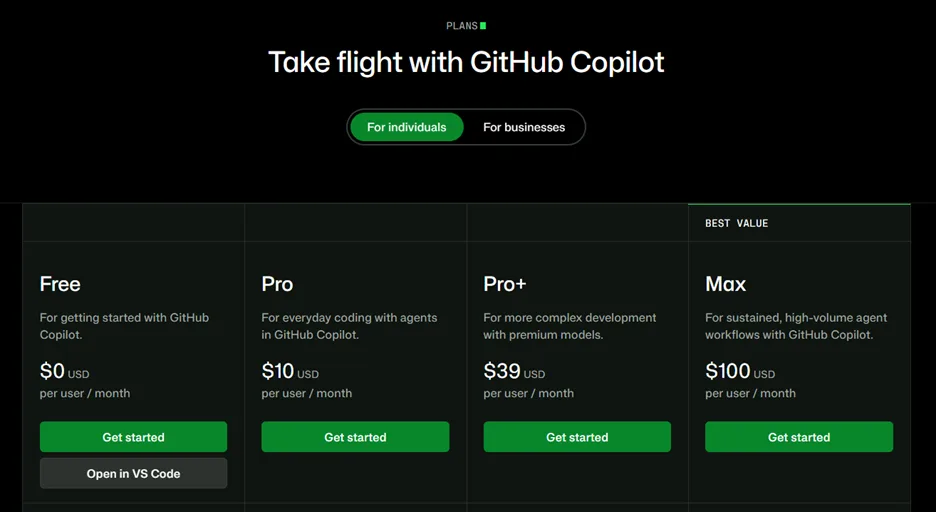
GitHub Copilot is the lowest-friction option: it sits inside VS Code, JetBrains, or Neovim, autocompletes as I type, and has the most generous free tier.
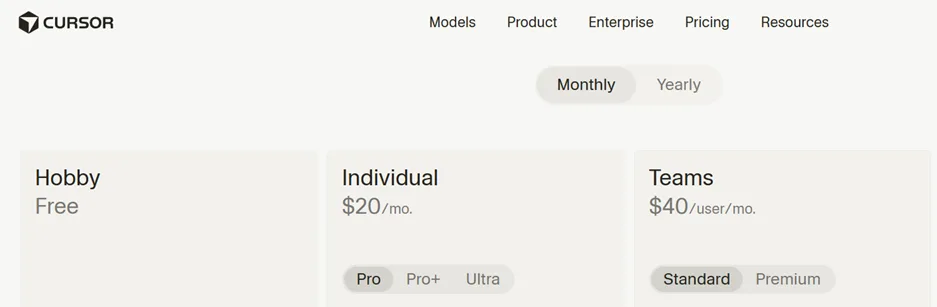
Cursor is the better pick for heavier, multi-file work; its Composer feature edits across several files at once and keeps the whole codebase in context.
Devin Desktop (previously known as Windsurf) is a solid third if you like a more visual, agent-driven editor.
All three are strong Python coding AI tools, and I choose between them mostly by how much I'm changing at once: Copilot for a single script, Cursor for a feature that touches five files.
The best AI for learning Python and explaining code
When I'm learning Python, a chat model is more suitable for me than an autocomplete tool. ChatGPT, Claude, and Gemini are all excellent: I paste the code, ask what's wrong and why, and get an explanation I can actually learn from. This is very beginner friendly. But it takes you out of your experience.
There's also the on-screen problem of not knowing where a setting is, or what an error in Jupyter or MySQL Workbench is telling you. That's a real gap that Guidy fills.
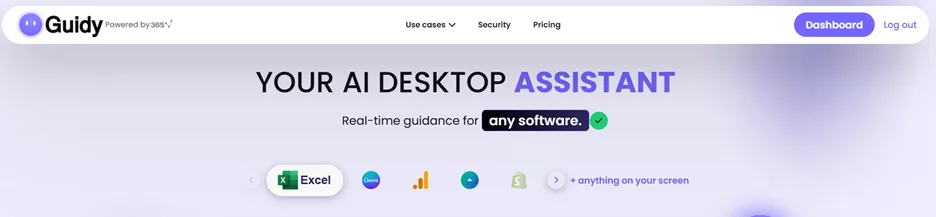
It's a screen-aware AI code fixer that reads what's on your screen and shows you the next step in place, so when I hit a NameError in a notebook or can't find a menu, it points me to the fix without leaving my window. It won't write a whole app for you, and it isn't trying to. It's the guide for the moment you're stuck, which pairs neatly with a chat model while you're still learning.
The best AI for big refactors and whole-project work
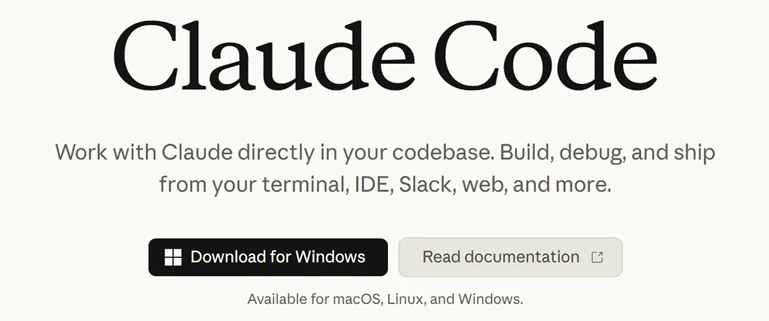
If a project gets bigger, I now look for an agent. Claude Code runs in the terminal, and it plans before it edits. It also moves across an entire Python codebase, using real tools like Git and your package manager.
It's my pick for the best AI coding assistant for Python when the task is "rename this across the repo" or "add tests to this module."
Cline is the open-source alternative where you bring your own API key, point it at a model you trust, and keep cost and code visibility under your control.
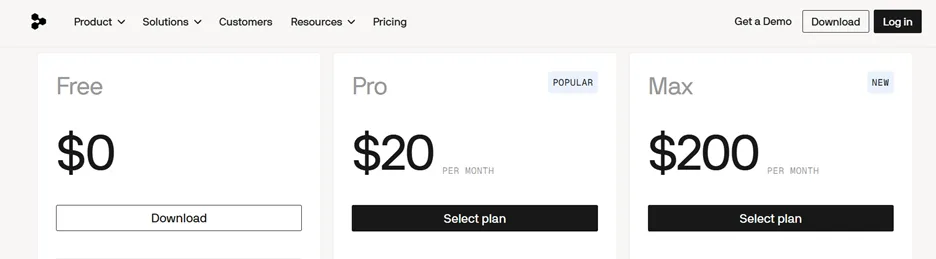
Important note: none of these two is beginner-friendly and can become very pricey, so keep an eye on their spend.
Best free AI for Python coding
- The best free AI for Python coding for most people is GitHub Copilot's free tier, which still gives you thousands of completions and a handful of agent requests a month.
- The free versions of ChatGPT, Claude, and Gemini are also useful for explaining and drafting code.
- Cline is free software and you only pay for the model calls, which can be a few dollars a month for light use.
Free Python coding AI is a real thing; the paid tiers mostly buy you more usage and the newest models.
Which AI model is best for Python?
People obsess over the model, but in 2026 the models have largely converged. Copilot, Cursor, Cline, and the chat apps all expose the same short list underneath: Claude Opus and Sonnet, GPT-5.x, and Gemini 3.
If someone asks me which AI model is best for Python, my honest answer is that the workflow around the model matters more than the model itself. I usually pick the tool whose interface fits how I actually work.
When AI for Python coding falls short
Many developers say they don’t trust AI output accuracy. With Python, this is even more true: the syntax is so forgiving that a wrong answer can run without complaint and fails later. AI still invents functions that don't exist and misreads intent. That’s why I treat every suggestion as a draft: I read it, I run it, and I keep it only once it works.
If you're new to all this, a tool like Guidy can walk you through the fix while you build the judgment to spot bad output yourself without getting you out of the experience. AI is a huge accelerant, but even the best AI for Python coding can't replace your own judgment.
FAQ
Which AI is best for Python beginners?
For beginners, a chat model like ChatGPT or Claude is usually the best AI for Python: it explains code in plain English instead of just generating more of it. Pair it with an on-screen guide when you get stuck, then add Copilot's free tier once you're comfortable reading its suggestions.
Can AI write Python code accurately?
Mostly, but not reliably enough to trust blindly. AI writes correct Python much of the time, yet it still invents functions and misreads intent, and Python's forgiving syntax hides the mistakes. Always run and test what it gives you.
Is ChatGPT or Claude better for Python?
Both are excellent and very close. Claude tends to be stronger on longer, multi-step Python tasks and reading large files, while ChatGPT is a touch faster for quick scripts and explanations. For most learners the difference is small, so use whichever you already have.
Do I still need to learn Python if AI writes it for me?
Yes. AI can draft Python fast, but you need enough Python to judge whether the output is right, debug it, and fix it when it breaks. The people who get the most from these tools are the ones who understand the code they're shipping.