
How Does Guidy Work? Screen Guidance, Credits and Limits
No time for long YouTube tutorials? Try Guidy and get it all done in minutes. It sits right on your screen and points you to exactly what to do in real time. And it works on any software or browser, in any language.
Try for free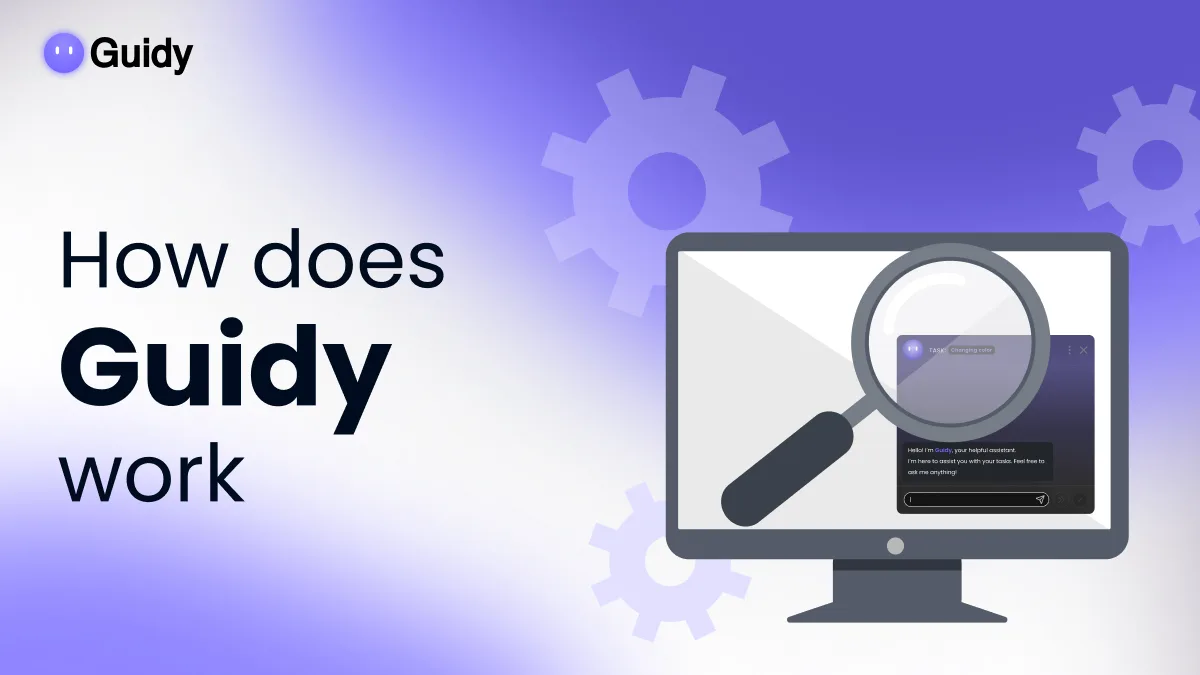
How does Guidy work, in one sentence: you ask a question, it looks at what is on your screen at that moment, and it shows you where to click next. It is an on-screen assistant rather than a chat window, and the difference has consequences worth understanding before you install it.
What happens when you ask a question
Here’s a quick example of what Guidy does:
You open Guidy and type what you are stuck on, the way you would ask a colleague. Guidy captures what is currently visible, works out which application you are in and what state it is in, and responds by pointing at the next thing to do.
It waits. Guidy shows one step, you perform it, and the next step follows. If you click somewhere unexpected, the screen it sees has changed, and the guidance adjusts to where you actually are rather than to where the tutorial assumed you would be.
What Guidy cannot do
This section matters more than the feature list, because the limits are deliberate rather than temporary.
Guidy cannot log in to your accounts, retrieve passwords from your accounts or your password manager, or access services on your behalf. It cannot open, read, modify or delete files on your computer.
There is a distinction inside that’s worth stating plainly.
Not reaching into a password store is not the same as not seeing a password. Anything displayed on your screen at the moment you ask is part of what gets processed, and the privacy policy warns that visible screen content may contain sensitive information. It does not take the mouse, does not type into your applications, and does not submit anything.
It guides. You act.
If what you want is a tool that completes the task while you do something else, this is the wrong category of product, and knowing that now saves you a download. It also needs an internet connection, because the reasoning happens remotely rather than on your machine.
What happens to what Guidy sees
Guidy looks at your screen when you open it and ask, and not in the background. In sleep mode, no data is collected from the machine.
When you ask a question, what is on screen is sent for processing to trusted third-party AI providers. Guidy's privacy policy names OpenAI, Anthropic, Microsoft and Google. Data in transit is encrypted, as documented in the privacy policy.
On Guidy's own systems, the security page puts it plainly: screenshots retained no longer than 30 minutes. They are never used to train public AI models. Guidy does not build user profiles, and the company states a commitment to data minimization.
There are safeguards intended to detect and blur sensitive information on screen before it is processed. The privacy policy states the limit exactly: no automated detection or masking system can guarantee the identification or protection of all sensitive content in every circumstance.
Treat it as reduced exposure rather than a guarantee, and use your own judgement about what is visible when you ask a question over something confidential.
Separately from screen content, the privacy policy sets out the usage and device data the product collects. The security page is the authoritative place for all of this, and it is worth reading before you decide.
How credits work
The free version gives you 250 credits every day, forever, which works out to roughly four guided tasks a day.
Premium is 9.99 dollars a month for unlimited use, renews monthly, can be canceled at any time, and includes a full refund inside fourteen days.
The pricing page has the current details listed.
Where it runs
Guidy is a desktop application for Windows and macOS, so there is nothing to install inside Excel or Word, but there’s also a Chrome extension available. Either one does equally well in the browser and on your desktop, digging into any software you need help with.
Because it works from what’s on screen rather than through each application's integration, it is not limited to a list of supported software. A spreadsheet, a government portal, an internal tool, and a video editor are all equally in scope, provided they are visible. There is no per-application setup to do, which is why the range of software it covers is not published as a list of integrations. Because it cover it all!
N.B.: There is no mobile application. Guidy is a desktop product.
When Guidy is the wrong tool
If you need something written, analyzed or generated, a chat assistant like Claude is the right category and Guidy is not. If you need a task completed without your involvement, an AI agent workflow automation like Zapier is the right category for you. And if you already know your software well and rarely get stuck, the value here is thin.
Guidy fits situations like this where you are looking at software or website you do not know that well, you need the thing done right now but reading a written or video tutorial is not working and time-consuming.
Key takeaways
- Guidy reads your screen only when you open it and ask, and points at the next click rather than performing it
- It cannot sign in to accounts, retrieve passwords from a password store, or open, read, modify or delete your files, though whatever is visible on screen is processed
- Screen content is sent to trusted third-party AI providers for processing, with screenshots retained no longer than 30 minutes on Guidy's systems, and none of it trains public AI models
- Safeguards intended to blur sensitive information reduce exposure without guaranteeing it, so your own judgement still applies
- The free version gives 250 credits every day with no expiry, and Premium is 9.99 dollars a month for unlimited use, cancellable at any time
FAQs
Does Guidy watch my screen all the time?
No. It looks when you open it and ask a question. In sleep mode no data is collected from the machine, and closing it ends the session.
Can Guidy do the task for me?
No, and that is deliberate. It cannot control your mouse, type into your applications, sign in to anything or submit anything. It shows you the step and you take it, which is the difference between this and an agent.
What if I run out of credits?
On the free version, nothing breaks. Whatever Guidy is in the middle of finishes, you are told the daily allowance is spent, and a fresh 250 credits arrive the next day. Premium has no allowance to run out of. Either way you are never billed automatically for going over.
Does it work on a Mac?
Yes. Guidy is a desktop application for both Windows and macOS, tied to your account rather than to one machine.
What is Guidy allowed to see when I ask about something confidential?
It processes what is visible on screen at that moment. Safeguards are intended to detect and blur sensitive information, and they lower the risk without removing it, so close what does not need to be open before you ask.