
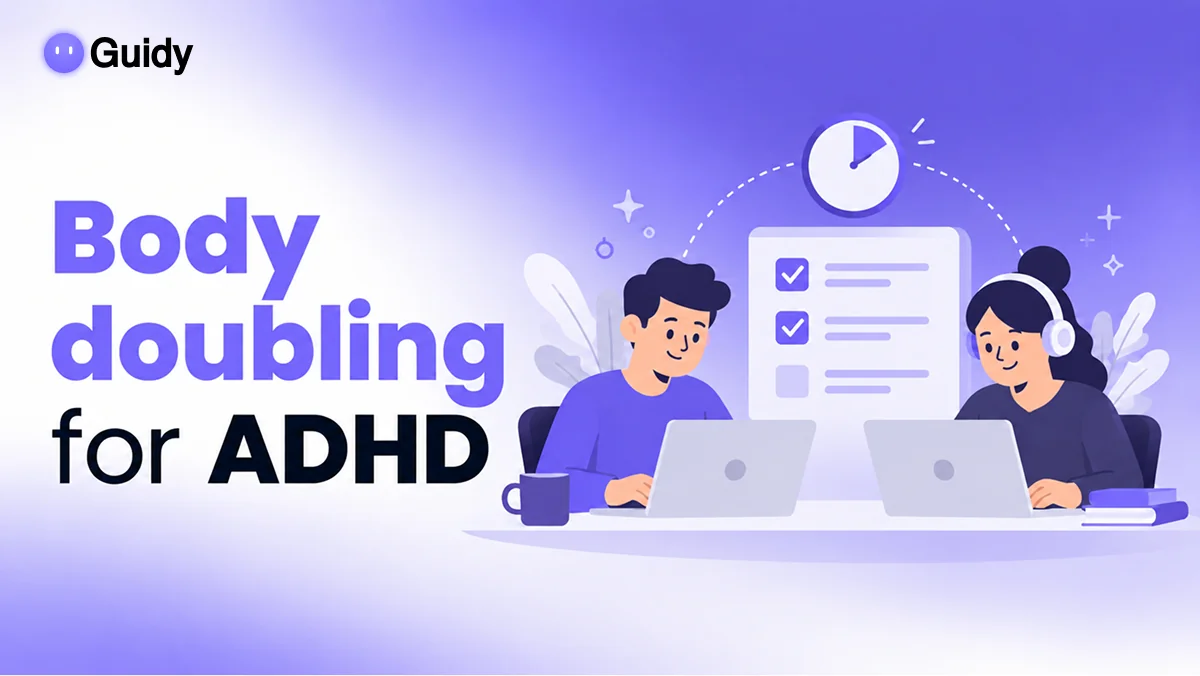
AI for ADHD
Looking for ADHD apps for adults that help with the boring computer stuff? Guidy's an AI for ADHD brains that skips the wall of instructions. It reads your screen and shows you the next click, one step at a time, in any app.
No tabs full of tutorials, no losing your place. Just the next step. It's free to start.
Get started for free
Available on Windows and macOS
ADHD apps for adults: Jordan has the planner app, the timer app and the reminder app. They're great at getting him to start. But when his HR portal asked him to update his direct deposit, the twelve-step help article lost him by step three. He opened Guidy instead. It read his screen and showed him one thing at a time: this menu, this field, this button. No scrolling back to find his place. Most ADHD apps for adults focus on time and reminders, and that's useful. Guidy covers the part they don't: computer tasks with too many steps. If you've tried the usual best apps for ADHD adults and still stall on forms and settings, this is the missing piece.
ADHD tools: Maya's inbox was a wall of newsletters, and she knew a Gmail filter could fix it. She'd started setting one up three times, then got distracted by the very emails she was trying to hide. With Guidy, it took one go. It read her screen, showed her where to create the filter, what to type and which box to tick so the newsletters skip her inbox. Five minutes, done, finally. Good ADHD tools for work don't ask you to hold ten steps in your head. They hand you the next one. That's why Guidy fits next to your other ADHD productivity tools: it shrinks a fiddly task down to whatever's right in front of you.
AI for ADHD: Theo asked a chatbot how to build a sign-up form in Google Forms. It gave him 14 neat steps. By step five, he'd switched tabs twice and couldn't remember where he was. That's the catch with most AI tools for ADHD: they still hand you a list to read. Guidy works differently. It looks at your actual screen and shows you the next click, right where it is, then waits for you. Lost your place? Ask again, and it picks up from what's on screen now. If you're looking for the best AI for ADHD at work, look for one that guides instead of lecturing. Guidy's an AI assistant for ADHD that never makes you scroll back.
Free ADHD apps: Sam's notifications were pulling her out of every deep-work block, and she'd heard Windows 11 had a Focus setting. Finding it was another story. Guidy read her screen, opened the way to Settings, then System, then Focus, and showed her how to start a session that silences notifications. Small change, big difference. As free ADHD apps go, Guidy is free for real: 250 credits every day, no card needed, no trial that runs out. It's a simple kind of assistive technology for ADHD that turns multi-step computer tasks into one clear step at a time. If you're hunting for free apps for ADHD adults, it's worth a spot on your list.
ADHD apps for adults: Jordan has the planner app, the timer app and the reminder app. They're great at getting him to start. But when his HR portal asked him to update his direct deposit, the twelve-step help article lost him by step three. He opened Guidy instead. It read his screen and showed him one thing at a time: this menu, this field, this button. No scrolling back to find his place. Most ADHD apps for adults focus on time and reminders, and that's useful. Guidy covers the part they don't: computer tasks with too many steps. If you've tried the usual best apps for ADHD adults and still stall on forms and settings, this is the missing piece.
ADHD tools: Maya's inbox was a wall of newsletters, and she knew a Gmail filter could fix it. She'd started setting one up three times, then got distracted by the very emails she was trying to hide. With Guidy, it took one go. It read her screen, showed her where to create the filter, what to type and which box to tick so the newsletters skip her inbox. Five minutes, done, finally. Good ADHD tools for work don't ask you to hold ten steps in your head. They hand you the next one. That's why Guidy fits next to your other ADHD productivity tools: it shrinks a fiddly task down to whatever's right in front of you.
AI for ADHD: Theo asked a chatbot how to build a sign-up form in Google Forms. It gave him 14 neat steps. By step five, he'd switched tabs twice and couldn't remember where he was. That's the catch with most AI tools for ADHD: they still hand you a list to read. Guidy works differently. It looks at your actual screen and shows you the next click, right where it is, then waits for you. Lost your place? Ask again, and it picks up from what's on screen now. If you're looking for the best AI for ADHD at work, look for one that guides instead of lecturing. Guidy's an AI assistant for ADHD that never makes you scroll back.
Free ADHD apps: Sam's notifications were pulling her out of every deep-work block, and she'd heard Windows 11 had a Focus setting. Finding it was another story. Guidy read her screen, opened the way to Settings, then System, then Focus, and showed her how to start a session that silences notifications. Small change, big difference. As free ADHD apps go, Guidy is free for real: 250 credits every day, no card needed, no trial that runs out. It's a simple kind of assistive technology for ADHD that turns multi-step computer tasks into one clear step at a time. If you're hunting for free apps for ADHD adults, it's worth a spot on your list.
How it works
What makes Guidy the best AI FOR ADHD
Works on any software
Email, spreadsheets, HR portals, the expense tool you open twice a year: Guidy works across all of them, on Windows and Mac. One app for every "how do I" moment, instead of a new tool for each. It's one of the most flexible tools for ADHD adults at a desk.
Helps you on the spot
The moment you lose the thread, ask. Guidy shows you where you are and what's next, so a small snag doesn't turn into an hour of tab-hopping. That's what an AI assistant for ADHD should do: keep you moving.
Helps like a colleague would
No judgment if you ask the same thing again tomorrow, or in five minutes. Guidy explains things in plain words and waits for you, like a coworker who never minds.
Running in under a minute
No long setup to lose interest in halfway through. Download, sign in, ask. It's free forever with 250 credits a day, or $9.99 a month for unlimited, and you can cancel anytime.
Start for free
Available on Windows and macOS
What people say
How people use Guidy to GET THINGS DONE
How do I set up Guidy?
Get started in
4 Simple steps
We kept setup short, because nobody wants a 12-step install. Four steps, about a minute.
Get started for freeSTEP 1
Download Guidy
One click, and the app for Windows or Mac starts downloading. No forms, no waiting list.
STEP 2
Install in less than a minute
Sign in once. Guidy hangs out quietly on your screen, out of the way until you call it.
STEP 3
Type your question
Type it, or just say it out loud: "How do I save this as a PDF?" No need to plan the perfect question.
STEP 4
Follow the steps
Guidy shows one step at a time, right where you need to click. Finish it, get the next one. That's it.

Frequently
Asked
Questions
Asked
Questions
Can’t find what you're looking for? Contact us
What are the best ADHD apps for adults?
It depends on what trips you up. Planners and reminder apps help with time, focus timers help with getting started, and note apps help you capture ideas fast. Guidy covers a different gap: computer tasks with lots of steps. It shows you one step at a time on your screen, so you don't lose your place.
Can AI help with ADHD?
AI can help with some everyday challenges, like breaking big tasks into smaller steps, drafting emails or keeping track of what's next. It isn't a treatment for ADHD and doesn't replace support from a doctor or therapist. Guidy's role is practical: guiding you through software, one click at a time.
What is assistive technology for ADHD?
It's any tool that makes daily tasks easier to start, follow and finish, like timers, reminder apps, text-to-speech or step-by-step guides. Guidy fits in that last group. It turns multi-step computer tasks into one clear step at a time, right on your screen.
Are there free apps for ADHD adults?
Yes, plenty, including free planners, timers and note apps. Guidy is free too: the free plan gives you 250 credits every day, with no card required. If you need more, Unlimited is $9.99 a month, and you can cancel anytime.
Does Guidy do the task for me?
No. Guidy guides you, it doesn't take over. It points to where to click and tells you what to do next, but you make every click yourself. That keeps you in control, and it helps the steps stick for next time.
Does Guidy work on Mac and Windows?
Yes, both. Guidy runs as a desktop app on Windows and Mac, and it works with any software or website on your screen, in any language.