
AI Tools for Work: 12 Free Tools Worth Using in 2026
No time for long YouTube tutorials? Try Guidy and get it all done in minutes. It sits right on your screen and points you to exactly what to do in real time. And it works on any software or browser, in any language.
Try for free
Most lists of AI tools for work are lists of chatbots, and a chatbot is one tool doing one job. This is twelve tools grouped by the job they do, all of them usable today without paying: research, writing, translation, design, data, documents, code and prototypes.
What free had to mean to get on this list
One rule did most of the filtering. Free access has to exist today as an ongoing tier, rather than as a trial that expires.
That excluded a great deal. Several well-known tools hand new users a one-time allowance of credits that never refreshes, which is an evaluation period wearing the word free. Others offer a fourteen-day window. Neither belongs in a toolkit you intend to keep.
Every tool below has ongoing free access, rather than a time-limited trial. Free tiers may impose usage limits, reserve premium features for paid users, or both, so each entry names the limitation that matters. We have not printed allowance numbers, because those move faster than anything else here.
This is not a ranking of AI assistants. If that is what you came for, our ranking of AI assistants for PC compares six of them against each other.
Finding things out
Perplexity

Answers questions with citations you can open alongside the response, which is the difference between an answer you can use at work and one you have to go and check. The free tier covers ordinary search, with the deeper research mode available in limited quantity, in a browser and in apps. The limitation is that metering on those deeper runs makes it better suited to settling a question than to compiling a report.
Gemini Notebook
Renamed from NotebookLM by Google in July 2026, it answers from the sources collected in a notebook and cites them inline.
You can upload those sources yourself, or use its research tools to find material on the web and in Drive and add it to the notebook.
It is free with a Google account, subject to standard usage limits. Its limitation is also its strength: answers stay grounded in the selected source set, which makes it better for traceable synthesis than for unconstrained general questions.
Writing and language
Grammarly
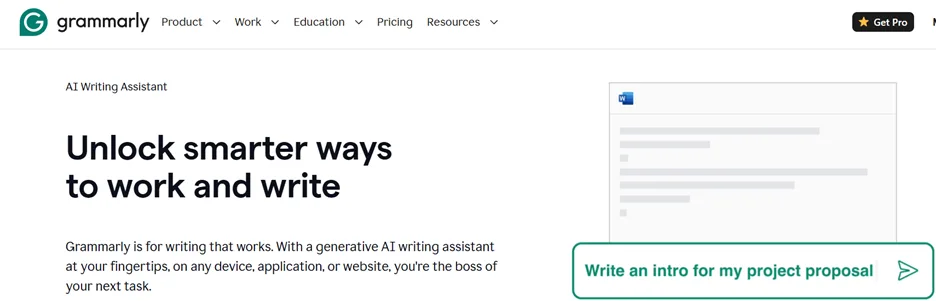
Offers a genuinely free tier covering writing corrections, tone feedback and AI prompting, across a browser extension, desktop applications and the web, so it follows you into whatever you are actually typing in. The limitation is that heavier rewriting and style controls sit above the free tier, so you get correction rather than transformation.
DeepL
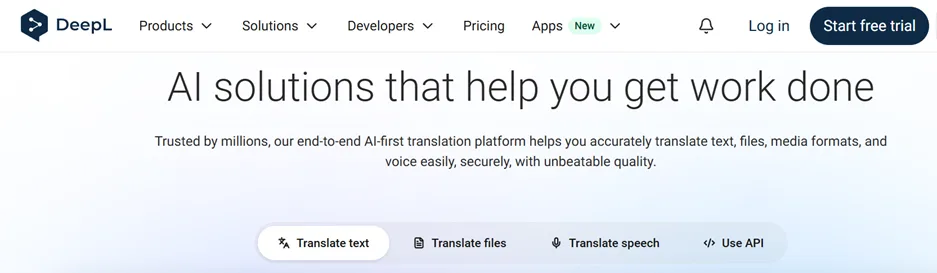
Defines its Translator and Write services as free of charge, covering text translation and a limited amount of document translation, on web, desktop and mobile. The limitation falls on documents rather than text: the free tier caps how many files you can put through, and complex formatting needs checking once it comes back.
Making things to look at
Canva
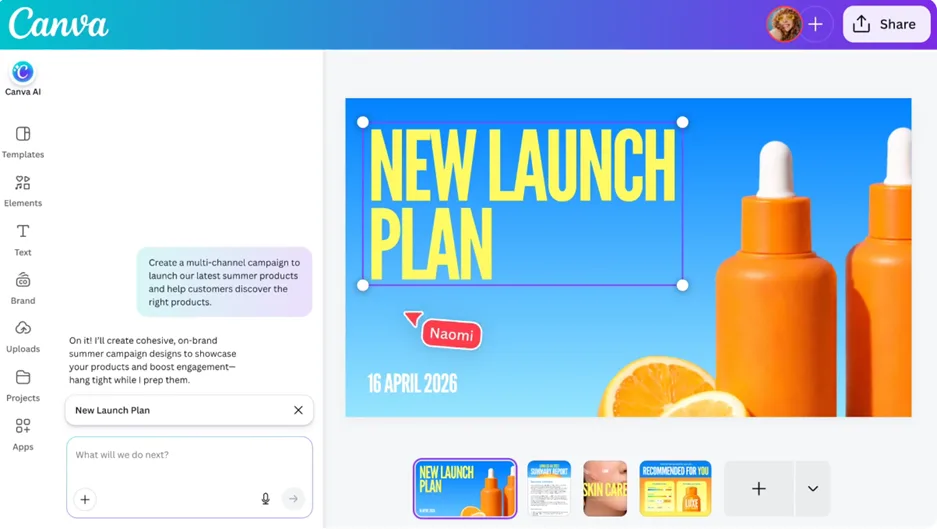
Includes AI features on its free tier, subject to limits, on top of the template library that made it useful in the first place. It is the fastest route from a blank page to something presentable, which is a work task rather than a creative one. Web, desktop and mobile. The limitation is that the AI allowance is capped and the better assets sit behind the paid tier.
Adobe Firefly
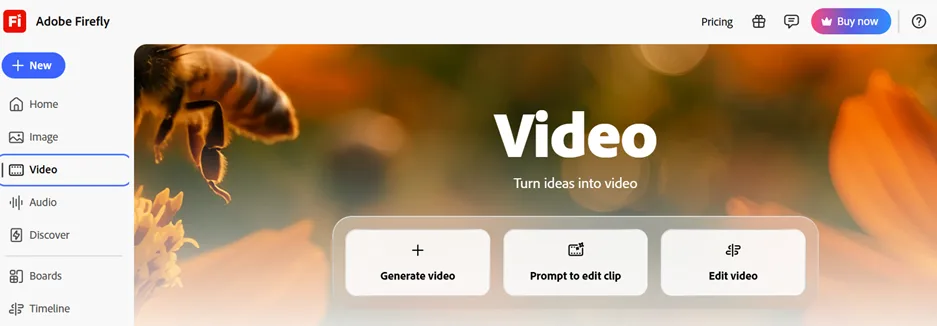
Provides limited free generations for image creation. Its real differentiator is not output quality but that Adobe designed its training to be commercially safe, which matters considerably more at work than at home. Web. The limitation is the size of the free allowance, and that on the free tier every generation draws on it, where paid tiers make standard generation unlimited.
Napkin AI
Turns text into diagrams. You paste an explanation and it produces the visual version, which is the job most people do badly in a hurry before a meeting. Napkin describes its free tier as free forever, with AI credits, on the web. The limitation is credit volume, and that it produces explanatory visuals rather than precise technical drawings.
Working with data and documents
Sourcetable
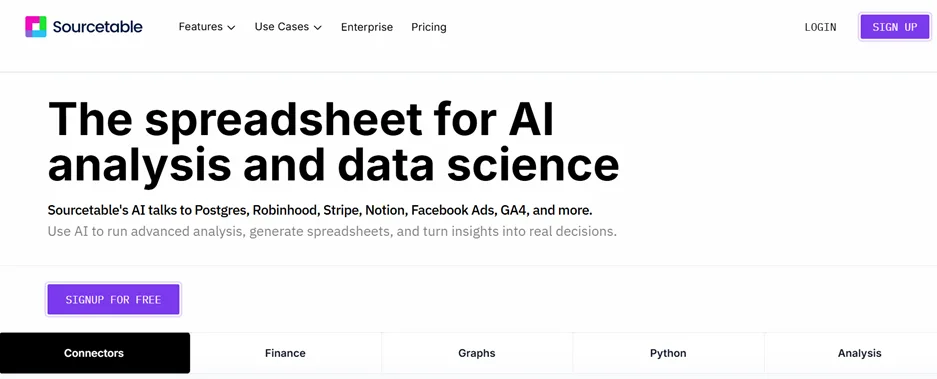
Puts AI inside a spreadsheet. Its regular tier is free and includes the AI functionality, so you can ask a dataset a question in plain language instead of working out the formula. Web. The limitation is that it is not Excel, so you either work in its grid or you import and export.
PDFgear
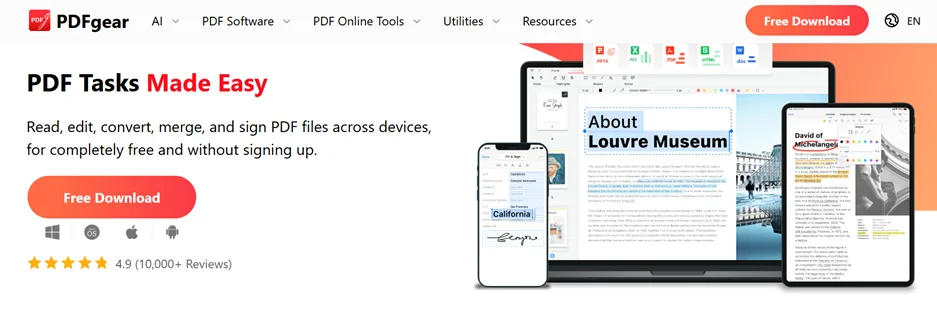 Currently offers its AI PDF tools free: chatting with a document, summarizing, translating, proofreading and rewriting, alongside ordinary editing, conversion and optical character recognition.
It runs on Windows, Mac, iOS, Android and the web, which is unusually broad coverage. The limitation is worth stating plainly because the company states it itself: PDFgear describes its AI as free in the current stage, so treat the arrangement as current rather than permanent.
Building things
GitHub Copilot
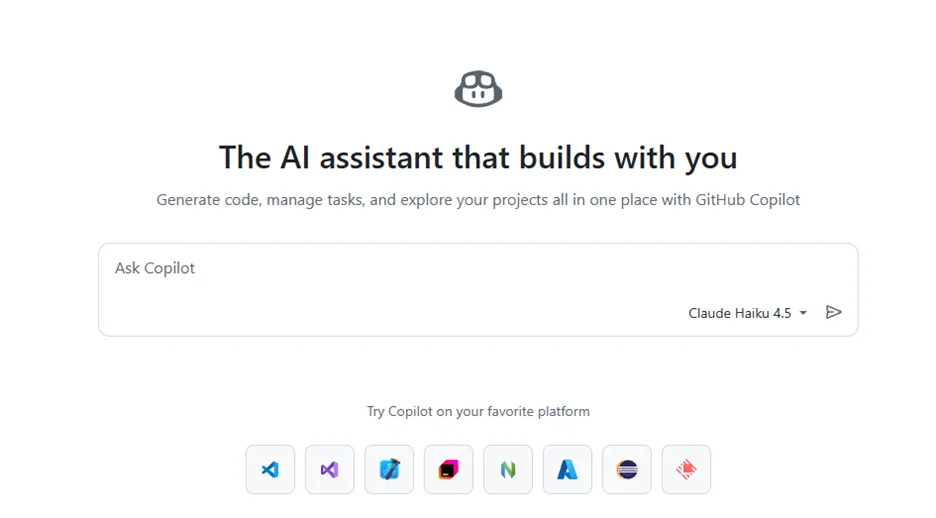
Has a documented free tier for individual developers, with monthly allowances for code completions and chat, working inside the editors developers already use.
The limitation is volume: those allowances suit learning, side projects and occasional help rather than a full working day.
Lovable
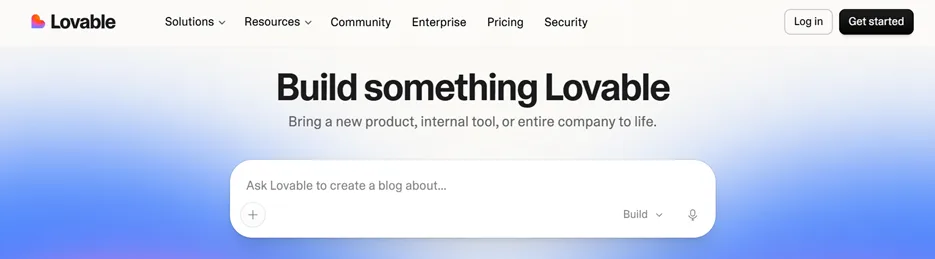
Builds working web applications from a description, on an ongoing free tier with recurring daily credits, in the browser. The limitation is that daily credits cap how much you can iterate in one sitting.
Publishing a project as a live web app is supported, including on the free tier, so testing and a security review before anyone else uses it are your job rather than the tool's.
One slot for a generalist
ChatGPT
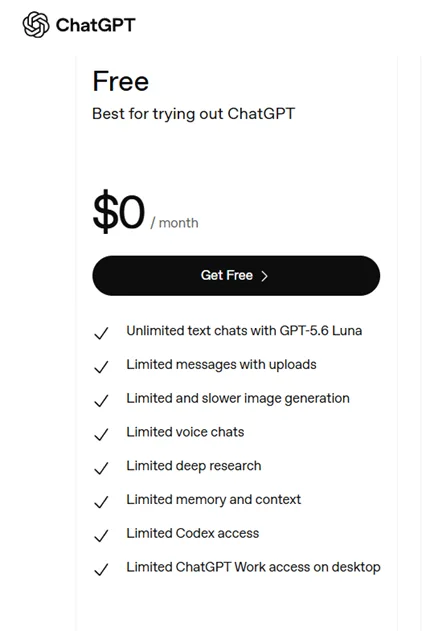
Takes the last place because a toolkit needs something that will attempt whatever the other eleven do not. Its free tier includes web search, file uploads, data analysis and image creation, each with its own limits, across web, Windows, Mac and mobile.
Note: One thing the free tier does not include is the newest model: OpenAI's GPT-6 Astra, released in September 2026, is limited to the paid plans, so free users get GPT-5.6 Luna rather than the frontier model.
Two limitations, and the second is the one that matters at work. The feature limits reset rather than disappear, so you work around them.
And on the individual tiers, conversations are used to improve models unless you turn that off in settings, which is a different arrangement from the business tiers. If the material is confidential, change the setting before you paste, or use a tier that excludes it by default.
The cost of a free toolkit
Free is not the same as free of consequence, and four things are worth counting before you install all twelve.
The limits are on volume rather than capability. That is good for trying things and bad for depending on them. A tool that does the job perfectly eleven times and stops on the twelfth has not solved your problem.
Free tiers moved repeatedly during 2026, in both directions. Allowances were cut, advertising arrived on some, and at least one product that appeared on shortlists at the start of the year was acquired and wound down before the middle of it.
Twelve tools is twelve accounts. Twelve places your work material lives, twelve privacy policies, and twelve sets of terms about training. That is an administrative cost, and for sensitive material it is a real risk.
Free versions frequently exist to sell the paid one. That is the business model rather than a criticism, and it means the free tier tends to run out at the moment you start relying on it.
When paying is the right answer
Pay when you hit a specific wall during real work, and not before. The wall is generally one of three things: a volume cap you now reach weekly, a data term that is wrong for your material, or time spent working around a limit that costs more than the subscription would.
Identifying which wall you are hitting is more useful than comparing prices, because these tools solve different problems, and the cheapest one that removes your particular wall is the right purchase.
The problem none of these solve
Every tool here makes something: an answer, a translation, a diagram, a spreadsheet, an application. All of them assume you know what you want and need it produced.
The other kind of stuck is different. You know exactly what needs doing, and you cannot find the control in the software in front of you, because the menu moved or you have never used this system before. No amount of generation helps with that, because what you need is a location on your own screen rather than a piece of content.
That is the problem Guidy exists for.
Bonus Tool: Guidy
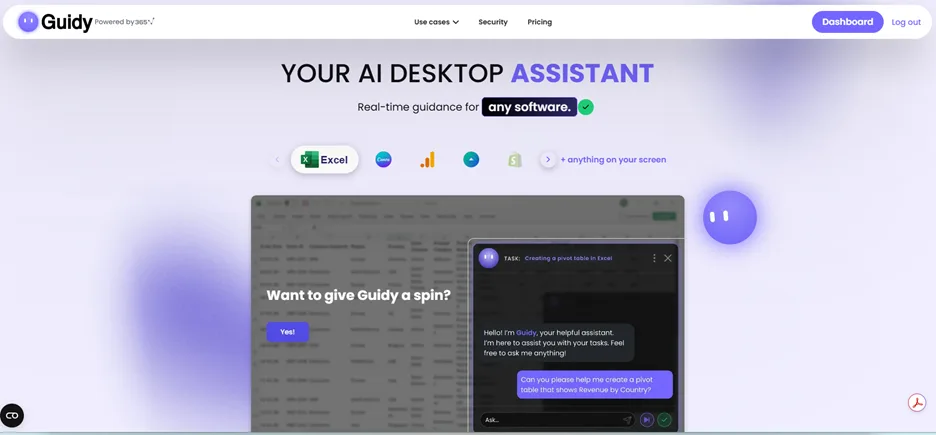
In fairness, it is our own product and we publish this article, so we have kept it out of the twelve and put it here instead, clearly marked.😊
It has its own ongoing free tier, 250 credits a day, every day, refreshing rather than expiring, so it clears the bar this list sets.
Guidy points you to the next click in whatever software is on your screen, rather than generating anything of its own. You ask where a control is, or how to do a step you are stuck on, it reads what is currently visible, and it shows you where to go, adjusting if you land somewhere the guidance did not expect.
Its free tier is ongoing and refreshes every day rather than handing you a one-time allowance, which is the same bar the twelve above had to clear. Windows and macOS, plus a Chrome extension. The limit is the category rather than the price: it guides and you act, so it will not do the task for you, and it needs an internet connection because the reasoning happens remotely.
Key takeaways
- Every tool here has ongoing free access rather than a time-limited trial, and free tiers may cap usage, reserve premium features for paid users, or both
- Perplexity and Gemini Notebook answer different kinds of question, one searching the web openly and the other staying grounded in a chosen set of sources
- PDFgear describes its AI as free in the current stage, so treat that one as current rather than settled
- ChatGPT's individual tiers use conversations to improve models unless you change the setting, which matters before you paste anything confidential
- Free tiers moved in both directions during 2026, so recheck any of these AI tools for work before you build a process on one
FAQs
Are these free tiers or free trials?
Free tiers. A trial that expires after a set number of days, or a one-time allowance of credits that never refreshes, did not qualify. Everything here can be used on an ongoing basis without paying, subject to limits.
Is it safe to put work material into a free AI tool?
That depends on the tool and on the tier, and it changes between them. Check what each one says about using your content to improve its models, and check whether that differs between its free and paid tiers. For anything confidential, assume the answer is no until you have read the terms for the exact tier you are on.
How many of these do I actually need?
Fewer than twelve. Pick the two or three that match jobs you do weekly, use them until you understand where they stop, and add another when a real task demands it. Installing all twelve produces twelve accounts and no habit.
Why is there only one general chatbot here?
Because this is a list of tools for particular jobs, and general assistants largely do the same job as one another. One slot covers the case where nothing more specific fits. Comparing them against each other is a different article.
Will these still be free in six months?
Some will not. Free tiers in this market are adjusted regularly, and one product that appeared on shortlists in early 2026 was acquired and wound down before the middle of the year. Treat this list as accurate for late August 2026 and check anything you intend to depend on.