
Best AI App for Mac in 2026: Top Tools Compared
No time for long YouTube tutorials? Try Guidy and get it all done in minutes. It sits right on your screen and points you to exactly what to do in real time. And it works on any software or browser, in any language.
Try for free
The best AI app for Mac is rarely a single app. The practical answer for most working setups is a pair: Apple Intelligence as the free baseline that is already installed on Apple Silicon machines, plus one chat app, ChatGPT or Claude, for the heavier work it will not do.
Beyond that pair the shortlist changes with the hardware, because Apple Silicon runs capable models on the machine itself and Apple ships AI features into macOS that exist nowhere else.
Full disclosure: This comparison is published by Guidy, and Guidy appears on the list below. We have tried to be accurate about where it falls short as well as where it helps, and you should let us know if you have any questions
For the Windows equivalent of this question, see our ranking of AI assistants for PC, which covers a different field.
How we sorted them
Three questions, in the order that changes your day the most.
1. Does it run on your Mac or in a tab?
A native app gets a global keyboard shortcut, system permissions and the ability to work against what is in front of you. A browser tab does not.
2. Where does the processing happen?
Cloud tools are more capable. Local models keep everything on the machine. Windows offers that choice too, so it is not a Mac exclusive, but Apple Silicon's unified memory makes it unusually practical on a laptop, which is why it earns a place here.
3. What does it cost to keep?
Several of these are subscriptions, and subscriptions stack.
Apple Intelligence, which you already have
Built into macOS and free, providing writing tools across text fields, image generation, notification summaries, improved system search and an option to hand harder questions to a third-party assistant.
Best for: everybody, as a baseline. Turn it on before you buy anything.
Where it falls short: it is a feature layer rather than an assistant. It improves individual moments and does not carry a task. It also requires an Apple Silicon Mac, so Intel machines are excluded entirely, and it needs a recent macOS release. Check Apple's current requirements against your machine before planning around it.
ChatGPT for Mac

The most polished mainstream option, with a real native app rather than a wrapped website, a global shortcut, and the broadest ecosystem of connections to other services.
Best for: people who want one assistant they can point at a wide range of work.
Where it falls short: the ordinary chat surface still works from the ChatGPT window, so used conversationally you translate its answer back into the software yourself.
Work changes that by carrying multi-step tasks across apps and files, though that is an agentic workflow rather than screen-by-screen guidance. Its individual plans also use conversations to improve models unless you turn that off, which its business tiers do not.
Claude for Mac

A native Mac app, and the strongest of the group on long documents, careful writing and code review.
Best for: writing-heavy and analysis-heavy work, and anyone who regularly hands an assistant something long.
Where it falls short: a smaller integration ecosystem than ChatGPT, and the same structural limit as every chat window on this list.
Raycast AI

Not an assistant so much as AI inside the launcher you already use. If Raycast has replaced Spotlight for you, its AI tier puts a model one keystroke away from anywhere in the system.
Best for: keyboard-first users who already live in a launcher.
Where it falls short: it is an add-on to a workflow you have to already have. If you do not use a launcher, this is not a reason to start.
HeyClicky
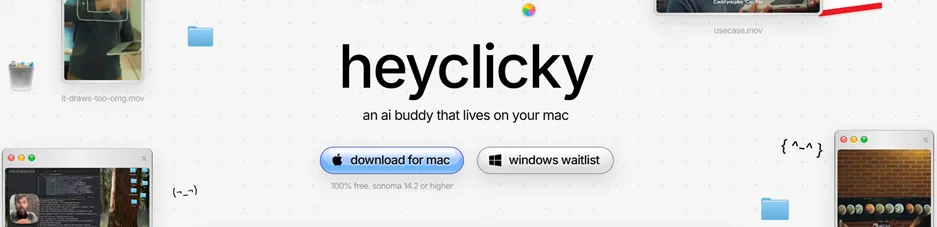
Voice-first and screen-aware, and notable here because it is Mac only, which makes a Mac list the right place for it rather than a Windows one. It has a free starting tier and paid tiers above it, with the free tier limited by a monthly message allowance.
Best for: people who want to talk to their machine rather than type at it.
Where it falls short: its own site advertises a Windows waitlist, so it is a poor choice if you move between platforms. Our figures for it were checked on August 19, 2026, and this is a fast-moving product, so confirm the current tiers before you commit.
Local models with Ollama or LM Studio
Running a model on your own machine works on Windows and Linux too, so this is not a Mac exclusive. What Apple Silicon changes is how practical it is on a laptop: unified memory lets a machine with enough of it run capable models without a discrete graphics card, which is why the option turns up on Mac shortlists more often than on others. Ollama suits people comfortable at a terminal, and LM Studio gives the same thing a window.
Best for: anyone whose material cannot go to a third party, and anyone who wants to stop paying monthly.
Where it falls short: the models you can run at home are behind the frontier, it wants memory rather than patience, and setup is real work. This is a considered choice, not a default.
Gemini
Strong on long documents, images and video, and the natural pick if your working day runs through Google Workspace. Google shipped a native Mac app in April 2026, free for macOS 15 and later, so the browser-only era for Gemini on the Mac is over. It opens from a global keyboard shortcut, sits in the menu bar, and takes a shared window as context, so you can ask about the chart in front of you.
Best for: anyone whose working day runs through Google Workspace, and anyone regularly handling long documents, images or video.
Where it falls short: it arrived last of the three major assistants on macOS, and Google describes the first release as a foundation rather than a finished product, so it carries less accumulated polish than clients that have been shipping for years. Free use is limited, with paid tiers above it.
Guidy
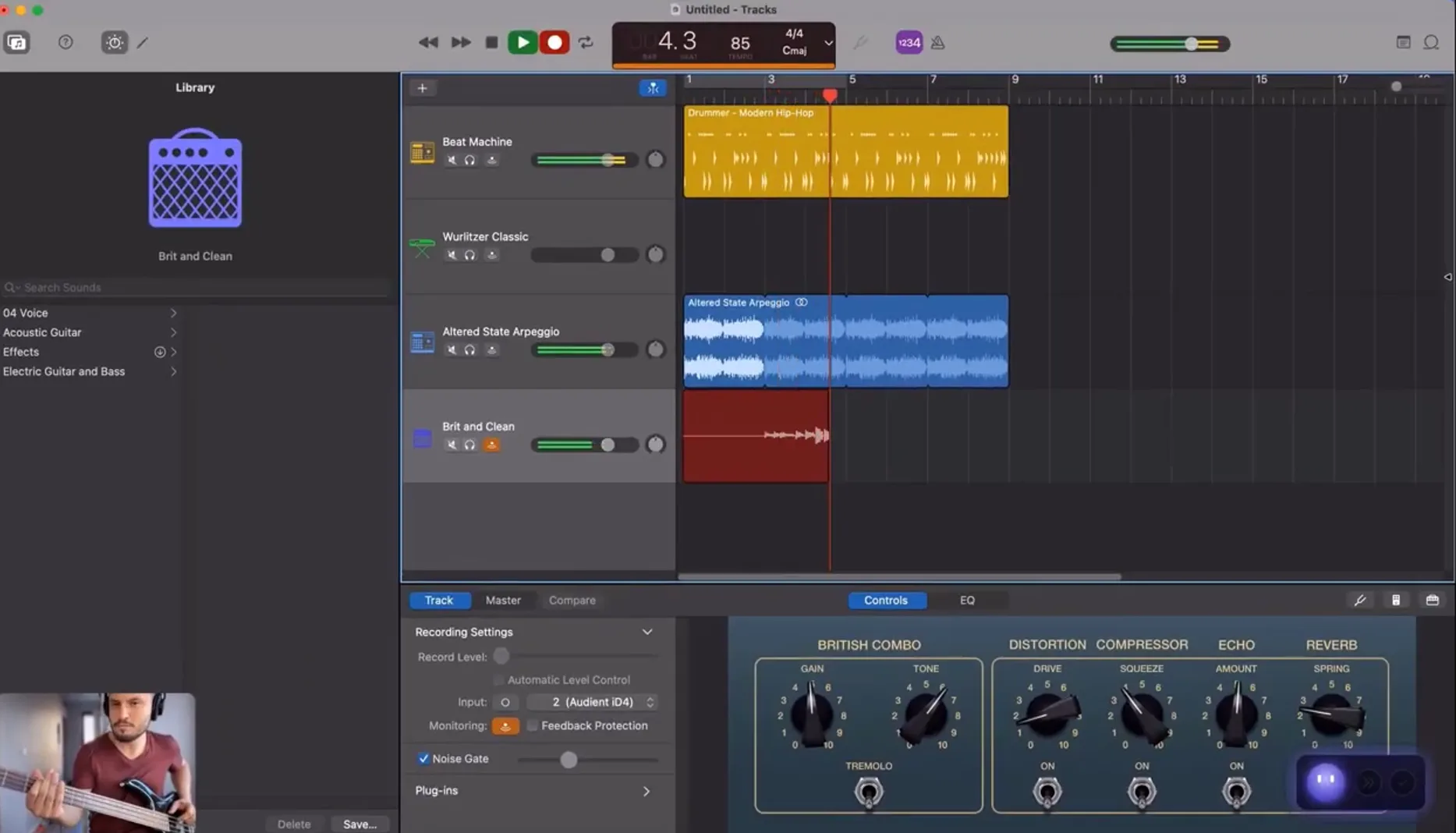
An on-screen assistant rather than a chat window. You ask a question and it reads your screen and shows you where to click, one step at a time, waiting for each action before showing the next. It runs on Windows and macOS. It is a one-time purchase with a starter allowance of credits rather than a subscription, and there is a free version to try first. The pricing page has the current detail.
Best for: people who get stuck inside unfamiliar software and want to be shown rather than told.
Where it falls short: it guides, it does not do. If you want something that completes a task while you do something else, this is the wrong category. There is no mobile app, and it is a young product with a shorter track record than anything else here.
How to actually choose
Start with what you already have. Turn on Apple Intelligence, spend a week noticing where it stops helping, and buy against that gap rather than against a feature list.
For general work, one chat app is enough, and which one depends on your material: long documents point one way, breadth of integrations points the other. Add a launcher tier only if you already use a launcher. Add local models only if a policy or a principle requires it.
Most people end up with a pair rather than a winner, because the categories here are not competing for the same job.
What this comparison cannot tell you
Pricing and tiers on these products changed repeatedly during 2026, and several changed while this was being written. Every figure here is a starting point for your own check on the vendor's page.
Availability varies by machine. Apple Silicon is a hard requirement for some of this and a strong preference for the rest, so an Intel Mac narrows the list considerably.
And none of these is measured here against a controlled benchmark. This is a comparison of what each one is for rather than a scored ranking, so the best AI app for Mac for you depends on work we cannot see from here.
Key takeaways
- Apple Intelligence is free, already installed on Apple Silicon Macs, and the right baseline before you buy anything
- ChatGPT and Claude both ship real native Mac apps, and the choice between them turns on breadth against long-document work
- Local models run on Windows and Linux too, and Apple Silicon's unified memory is what makes the option unusually practical on a laptop
- Gemini gained a native Mac app in April 2026, so all three of the major assistants now have real desktop clients on macOS
- The best AI app for Mac is rarely one app, because chat windows and on-screen assistants solve different problems and a pair is the more frequent outcome
FAQs
Do I need an Apple Silicon Mac for any of this?
Apple Intelligence requires it. Local models will technically start on Intel hardware and will be slow enough that it is not worth planning around. The cloud-based apps process on remote servers, so those run on Intel Macs without trouble.
Is the free version of any of these good enough?
Often, yes. Apple Intelligence costs nothing, the major chat apps have free tiers that cover casual use, and local model tooling is free and open source. Exhaust those before paying, and pay when you hit a specific wall rather than on principle.
Which one can see what is on my screen?
Several can, when you show them. The difference worth understanding is what they do next: describe what they see, or walk you through acting on it. Check the documentation for each one to see how the visual data is handled, because that varies considerably.
Should I run models locally instead of subscribing?
Only if you have a reason. Local models keep your material on the machine and cost nothing monthly, and they are behind the hosted frontier models on hard tasks. If a policy forbids sending your work to a third party, that decides it.
Why is this list different from the Windows one?
Because some entries are platform-specific rather than because the assistants differ. Apple Intelligence exists only on macOS, one entry here does not run on Windows at all, and Apple Silicon makes local models practical enough on a laptop to be worth listing. The major cloud assistants themselves are much the same on both.