
AI Assistant vs AI Agent vs On-Screen Guide: Differences
No time for long YouTube tutorials? Try Guidy and get it all done in minutes. It sits right on your screen and points you to exactly what to do in real time. And it works on any software or browser, in any language.
Try for free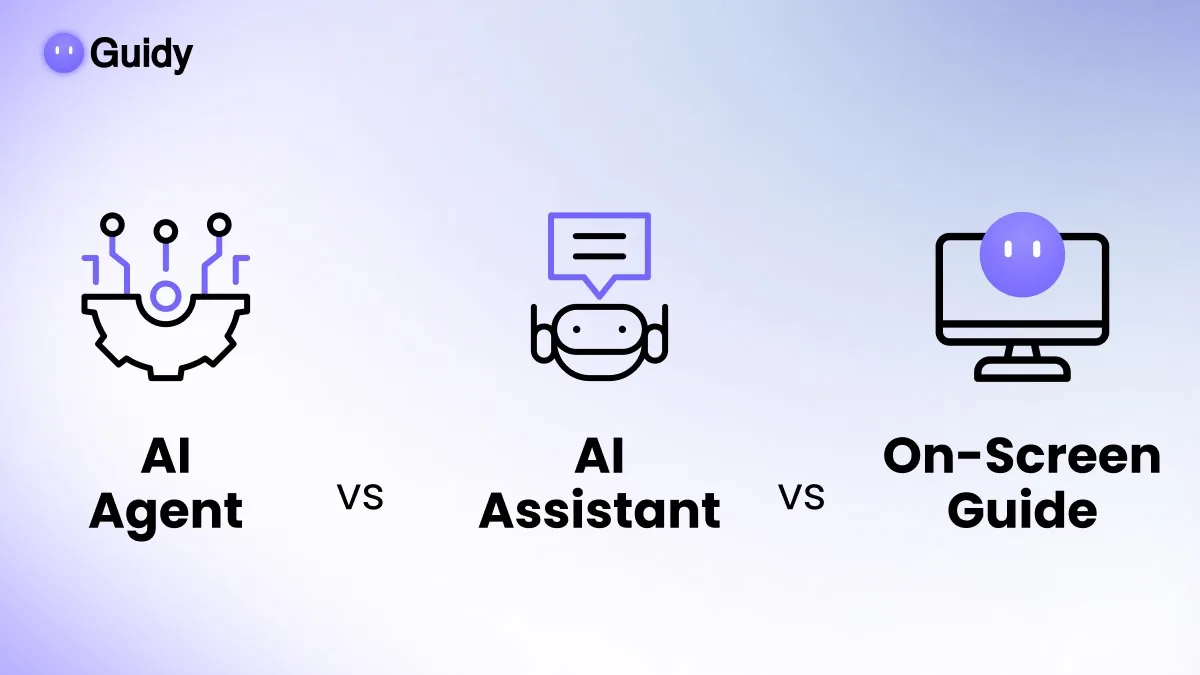
Vendors use these words interchangeably and they are not interchangeable. The core distinction is between three behaviors: assistant, agent, and on-screen guide. Chatbot overlaps with those labels rather than sitting neatly beside them, which is why it gets its own section below.
All three turn on one axis that determines everything else: how much of the work happens without you. Get that wrong at purchase and you end up with a tool that finishes tasks you wanted to supervise, or one that talks about tasks you wanted finished. These are not three standardized industry categories with policed boundaries. They are three behaviors, and a single product can show more than one. Reading them as behaviors rather than as product types is what makes the distinction useful when you are deciding what to buy.
For how the major chat tools compare against each other on writing, research, and general capability, see our rundown of ChatGPT alternatives.
What is an AI assistant?
An AI assistant responds. You bring it a request, it produces an output, and the exchange ends there. It drafts the email, explains the formula, summarizes the document, answers the question. What it produces is content, and what you do with that content is entirely your business.
The defining behavior is that the output is content and the action stays with you. Many assistants now have connectors and tools that let them reach a calendar or a document store, so the boundary is not absolute. What makes the behavior assistant-like is that you are still the one who acts on the result, and the worst outcome of a bad answer is a bad answer.
Most of what people call AI today is an assistant in this sense, including the major chat products.
What is an AI agent?
An AI agent acts. You describe an outcome rather than a request, and the agent decides on the intermediate steps and carries them out against real systems: your inbox, your calendar, your files, a website, an API.
Two behaviors define it.
It plans. You state the goal and the agent works out the sequence, rather than following a script you wrote.
It acts on real systems. It does not produce a description of the work. It performs the work, which means it can create, change, or delete things.
Autonomy is the variable, not a requirement. Some agents run start to finish while you do something else. Others pause at defined points and wait for you to approve the next step, and approval gates of that kind are a standard part of how agent systems are built. An agent that asks before it sends is still an agent.
An agent that books a meeting has changed other people's calendars. An agent that cleans up a folder has moved files you may want back. The output is not text you can discard; it is a changed state you may have to undo.
What is an on-screen guide?
An on-screen guide is the third category and the one most people have not encountered yet, largely because it is newer and does not fit the chat metaphor.
It reads what is on your screen and tells you what to do next, pointing at the actual control in front of you. It does not answer in the abstract and it does not act. You perform every step. Guidy works this way: it reads the screen when you open it and ask, then walks you through the task click by click, and it does not take over the mouse, edit files, or complete tasks for you.
The reason this is a separate category rather than a variety of assistant is context. An assistant answers using what you typed. A guide answers using what you are looking at, which means it can say "the button you want is the one at the top right of the panel you have open" instead of describing a menu that may not match your version.
AI assistant vs AI agent: the differences that matter
|
|
AI assistant |
AI agent |
On-screen guide |
|
Produces |
Content |
Completed actions |
Instructions for you |
|
Reach |
Mainly produces content, though tools and connectors vary by product |
Your files, accounts, and apps |
Nothing, it only points |
|
You are |
The operator |
The supervisor |
The operator |
|
Autonomy |
None, you act |
Varies, some pause for approval |
None, you act |
|
Worst failure |
A wrong answer |
A wrong action you must undo |
A wrong instruction you ignore |
|
Teaches you |
Sometimes |
No |
Yes, by design |
The row worth dwelling on is the last one but the row that decides most purchases is "worst failure." An assistant fails cheaply. A guide fails cheaply. An agent fails at whatever the task was worth, and unless it pauses for your approval at the right moment, it fails without you seeing it happen.
AI assistant vs chatbot vs AI agent
Chatbot is the oldest word here and the one that has drifted furthest, so it is worth placing against the other two.
A chatbot in the original sense follows a script. It matches what you typed against a set of expected inputs and returns a prepared response, which is why the support bots of the last decade were so easy to defeat by phrasing a question unusually. That kind of chatbot cannot generalize, because there is nothing underneath it doing so.
The confusion is that the same word is now applied to conversational products built on language models, which do generalize and which behave as assistants by the definition above. So the useful question is not whether something is called a chatbot, but whether it is following a script or reasoning from what you said.
Virtual assistant and virtual agent are worth flagging rather than defining, because both are overloaded. Virtual assistant can mean an AI product, older rules-based software, or a human working remotely. Virtual agent usually means customer-service automation specifically. Neither maps cleanly onto the categories above, so treat them as marketing labels and look at the behavior underneath.
How do AI agents work?
At a mechanical level, an agent loops. It takes your goal, decides on a next step, uses a tool to carry that step out, looks at the result, and decides again. It repeats until it judges the goal met or until it hits a point where it needs you.
The tools are what make it an agent rather than a conversation: a browser it can operate, an API it can call, a file system it can read and write. Take those away and the same model is an assistant. This is also why agent capability varies so much between products with similar marketing. The model is rarely the limiting factor. What it is allowed to touch is.
Where "copilot" fits, and why the word confuses everyone
"Copilot" is not a fourth technical category. It is a positioning word meaning an AI that sits inside an application you already use, and in practice the products carrying that name span all three categories above.
Microsoft applies the name across a free chat product, consumer plans, and a business add-on, and its capabilities inside those products range from suggesting a formula to running multi-step edits on a workbook. Vendors also increasingly ship an "agent mode" inside a product otherwise sold as an assistant, so the same subscription can be either category depending on which button you press.
The practical consequence: the name tells you nothing about autonomy. When you evaluate a tool, ignore the category word on the pricing page and ask what happens when you approve. If something changes in a system you own, you are buying an agent, whatever it is called.
How to choose: start with whether the task is reversible
Rather than starting from the tool, start from the task, and ask one question. If this goes wrong, how hard is it to undo?
Easily reversible, and you want output. Drafting, summarizing, brainstorming, explaining. An assistant is correct here and anything more autonomous is unnecessary risk.
Easily reversible, high volume, and you do not need to learn it. Sorting a folder, extracting data across many rows, applying the same change repeatedly. This is the honest case for an agent, and it is a strong one.
Hard to reverse, or someone else sees the result. Sending communications, submitting forms, changing shared calendars, editing financial records, anything on a government or medical portal. Keep a human performing the action. A guide fits here precisely because it cannot act.
You will do this again. If the task recurs and you do not know how to do it, guidance compounds and delegation does not. After a guided walkthrough you can do it unaided next time. After an agent run you have a result and the same gap in your knowledge.
What each one is bad at
Assistants are bad at anything requiring current context. They do not know what your screen shows, what version of the software you have, or what your file contains unless you paste it in, and pasting is the tax you pay for the whole category.
Agents are bad at judgment calls and at telling you when they are unsure. A confident agent that misread the goal will still complete something, and an approval gate only helps if you actually read what you are approving. They also require you to grant real access, which is a security decision rather than a convenience one.
On-screen guides are bad at volume. If you have four hundred rows to fix, being told how to fix one is the wrong help. They also cannot work while you are away, by definition.
Nobody needs all three. Most people need an assistant for drafting and one of the other two, chosen by whether their bottleneck is repetition or unfamiliarity.
If your bottleneck is unfamiliarity, and the phrase "I know what I want, I just cannot find where they moved it" describes your week, that is the guided case. Guidy is a one-time purchase rather than a subscription, with details on the pricing page, and a free version to test the idea before you decide.
Key takeaways
● Assistant behavior produces content for you to act on. Once the system itself takes action in a real system, that behavior has become agentic.
● An AI agent plans and acts on real systems. Autonomy varies: some run unattended, others pause for approval. Worst case is a wrong action you have to undo.
● An on-screen guide reads what you are looking at and tells you what to click. It never acts, so you stay the operator.
● Assistant, agent, and guide are behaviors rather than fixed product categories, and one product can show more than one. "Copilot" is a positioning word, not a category.
● The practical answer to AI assistant vs AI agent is reversibility: agents for repetitive reversible volume, assistants for drafting, and guides for anything hard to undo or anything you want to learn.
FAQs
Is ChatGPT an AI agent or an AI assistant?
Both, depending on how you use it. Used as a chat window it is an assistant, producing text you act on. Used with the modes and connections that let it operate a browser or reach into connected accounts, it behaves as an agent. This is the general pattern in 2026: the product name stayed the same while an agent mode was added underneath it.
What is the difference between an AI agent and ordinary automation?
Automation follows a route you defined in advance and does exactly that, every time. An agent decides the route itself from a goal you stated. Automation is more predictable and fails visibly when conditions change. An agent adapts and can therefore do something reasonable that you did not intend.
Do AI agents need supervision?
For anything consequential, yes. The useful control is not watching every step but requiring approval before the irreversible one, which is why well-designed agents show a preview and wait. If a tool acts on your accounts with no approval step and no record of what it changed, that is a reason to look elsewhere rather than a feature.
Which type is best if I am not technical?
An on-screen guide, usually. Assistants require you to describe your situation accurately, which is hard when you do not know the vocabulary, and agents require you to judge whether the plan was right. A guide works from what is already on your screen, so there is nothing to describe and nothing to evaluate.
Is Copilot an AI assistant or an AI agent?
Both, depending on which capability you are using. Copilot is a family name applied across many products, and the behavior inside them ranges from suggesting a formula, which is assistant behavior, to agent modes that plan and carry out multi-step work. The name tells you nothing about autonomy, so the thing to check is whether the feature in front of you ends with something changing in a real system. If it does, apply the reversibility test to it regardless of what the rest of the product does.