
Microsoft Copilot Alternatives: 7 Options for 2026
No time for long YouTube tutorials? Try Guidy and get it all done in minutes. It sits right on your screen and points you to exactly what to do in real time. And it works on any software or browser, in any language.
Try for free
Most people looking for a Copilot alternative are not looking for a better chatbot. They are already inside Microsoft 365, already paying for it, and running into one of four specific problems: the cost is hard to justify, the help stops at the edge of Office, the licensing is more complicated than the product, or Copilot answers questions when what they actually needed was to be walked through a task. The right alternative depends entirely on which of those four sent you looking. This guide sorts seven options by the reason you are switching rather than by a generic ranking.
First, work out which problem you have
Cost. The work version of Microsoft 365 Copilot is an add-on to a qualifying base plan rather than a standalone purchase, listed at $30 per user per month for enterprises, with a small-business Copilot Business tier listed at $21 per user per month and promotional pricing that has run lower. On the consumer side, the standalone Copilot Pro subscription was retired and its features folded into bundled Microsoft 365 plans. If the bill is the problem, the fix is a different pricing model rather than a different feature set.
Coverage. Copilot is excellent inside Word, Excel, Outlook, and Teams, and progressively less useful the further you get from them. If half your week happens in a CRM, a design tool, or an internal system, most of what you are paying for is unreachable.
Licensing complexity. Base plan prerequisites, add-on SKUs, admin center toggles, and separate consumption billing for agents. For a small team without an IT function, this is a real cost in hours.
Guidance versus answers. Copilot's Vision feature can see your screen and explain what is on it, but explaining and guiding are different jobs. If your problem is that you keep getting stuck partway through unfamiliar software, an assistant that produces a longer answer is not the fix.
1. Guidy (if the problem is coverage or guidance)
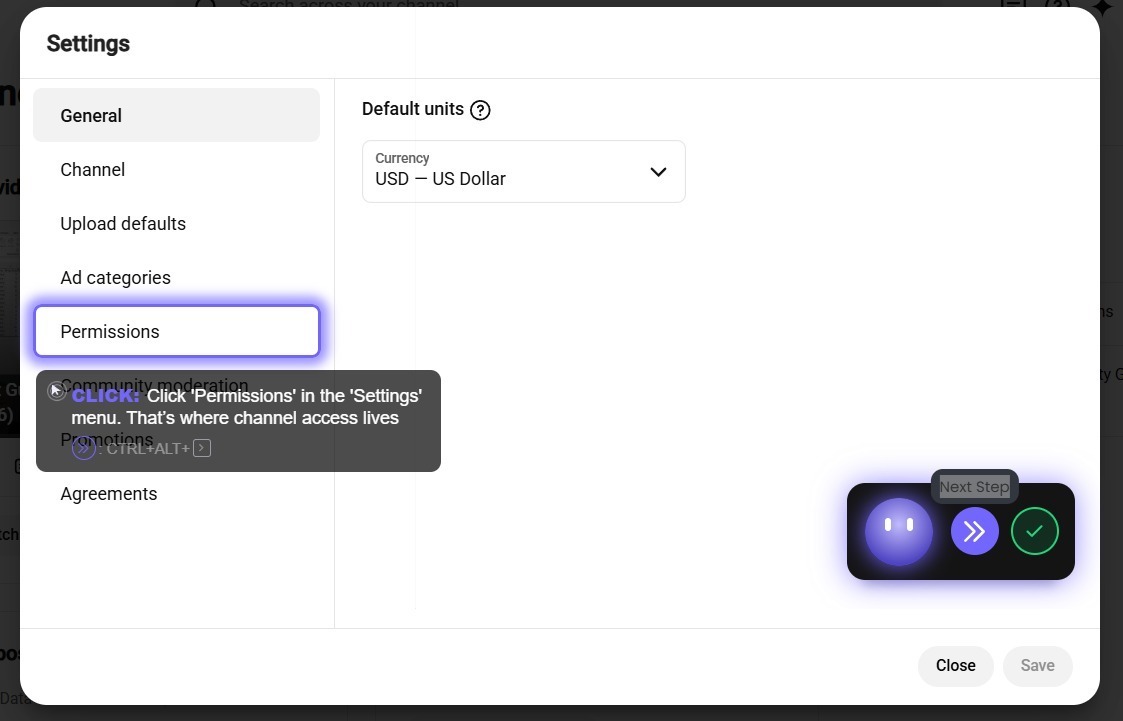
Guidy is an on-screen assistant that reads your screen when you ask and points you to the next click, one step at a time, then waits for you to do it. Because it works from what is displayed rather than through app integrations, it is not confined to one vendor's software: Excel, a client portal, a video editor, an internal tool with no documentation.
It is the strongest fit for the two problems Copilot cannot solve by design, coverage and guidance, and it also sidesteps the cost problem with a one-time $69 purchase including 5,000 credits that do not expire, plus a free version to try first. The full breakdown is on the pricing page.
Where it does not compete: it will not draft your email, build your slide deck, or summarize your inbox. If those are the Copilot features you rely on, this is a companion rather than a replacement.
2. ChatGPT (if the problem is general capability)
The most capable all-rounder available, with the largest integration ecosystem and a Windows desktop app that can see your screen when you share it. For drafting, research, analysis, and code, it does more than Copilot does and does it better.
Where it does not compete: it has no access to your organization's documents, mail, or calendar. Copilot's real advantage in a business is that it can reason over your company's own data, and no external chatbot replaces that.
3. Claude (if the problem is writing quality)

The consensus pick for writing that reads like a person wrote it, and for serious development work. It handles long documents without drifting, and its native desktop app means it is not confined to a browser tab.
Where it does not compete: no image generation, a smaller ecosystem, and the same absence of access to your organizational data.
4. Google Gemini and Workspace (if the problem is the whole Microsoft stack)
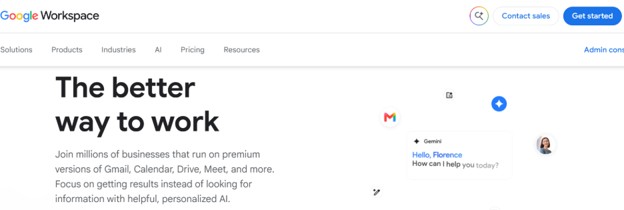
The honest alternative for teams whose Microsoft commitment is shallow enough to reconsider. Gemini inside Google Workspace occupies the same structural position Copilot does inside Microsoft 365: built in, contextually aware of your files and mail, and priced as part of the suite.
Where it does not compete: this is a migration, not a swap. If you have years of SharePoint, Teams history, and Excel models, the switching cost dwarfs the licensing difference.
5. Perplexity (if the problem is trust in the answer)
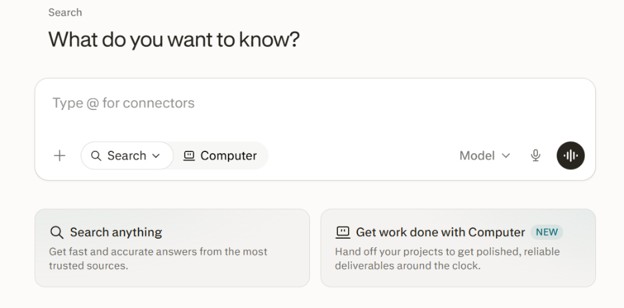
Built around answering with live sources attached. Where Copilot's answers can be difficult to verify, Perplexity shows its work by default, which matters when the answer is going into something you are accountable for.
Where it does not compete: it is a research tool. It does not touch your documents and it will not help you operate software.
6. Notion AI (if the problem is where your work actually lives)
Worth naming for a specific case: teams whose real working documents live in Notion rather than in Word and SharePoint. AI built into the place your content already sits produces the same integration advantage Copilot has in Office, in a different building.
Where it does not compete: it is only as useful as your commitment to the platform, and it does nothing outside it.
7. Free Copilot, used deliberately (if the problem is only the price)
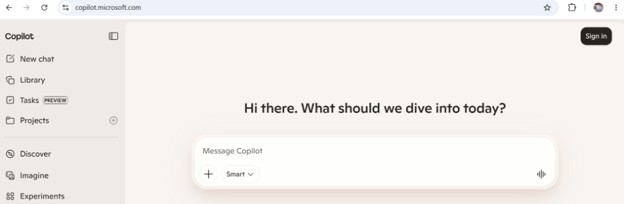
The alternative nobody lists. There is a free Copilot tier, and for a significant number of people the paid version's advantage is narrower than the price difference implies. If you rarely need AI reasoning over your own organizational data, the free tier plus one specialist tool often covers more ground than the add-on does, for less.
Where it does not compete: you lose the in-document experience inside Office apps and the organizational data grounding, which are precisely the features people pay for.
Choosing between them
If you are leaving over cost, look at the one-time and free options, and be honest about whether you use the organizational data grounding you are paying for.
If you are leaving over coverage, no chatbot solves it, because they all share the same shape. An on-screen assistant is the only category on this list that follows you into software nobody has integrated.
If you are leaving over licensing complexity, weight simplicity heavily. A tool your team can buy and install without an admin center is worth real money in recovered hours.
If you are leaving over guidance, you are not looking for a Copilot alternative at all. You are looking for a different category of tool, and our AI assistant for work page explains what that looks like in practice.
Most people land on a pair rather than a single replacement: one tool for producing things, one for getting unstuck inside software. For a fuller comparison of the chatbot half of that pair, our ChatGPT alternatives guide covers each option in more depth.
Key takeaways
- Four things send people looking for a Copilot alternative: cost, coverage outside Office, licensing complexity, and wanting to be guided rather than answered. The right alternative depends entirely on which one applies to you.
- Microsoft 365 Copilot is an add-on to a qualifying base plan, listed at $30 per user per month for enterprises and $21 for the small-business Copilot Business tier. The standalone consumer Copilot Pro tier was retired and folded into bundled plans.
- No chatbot solves the coverage problem, because they all share the same shape. An on-screen assistant is the only category that follows you into software nobody has integrated.
- Nothing external replaces Copilot's access to your organization's own files, mail, and calendar. That is the single strongest argument for keeping it.
- The free Copilot tier plus one specialist tool often covers more ground than the paid add-on does, for less money.
FAQs
What is the best alternative to Microsoft Copilot?
There is no single best one, because Copilot's users leave for different reasons. If you need help across software outside Microsoft 365, an on-screen assistant such as Guidy covers ground Copilot cannot reach. If you want a more capable general assistant, ChatGPT or Claude do more. If you want Copilot's structural advantages in a different ecosystem, Gemini in Google Workspace is the closest equivalent.
Is there a free alternative to Microsoft Copilot?
Yes. ChatGPT, Claude, Gemini, and Perplexity all have free tiers, and Copilot itself has one. Free tiers generally limit usage volume and access to the newest models rather than removing core functionality, so they are worth exhausting before you pay for anything.
Can I replace Copilot without leaving Microsoft 365?
Yes, and this is the most common outcome. Keep Microsoft 365 for the apps and drop or downgrade the Copilot add-on, then use a separate assistant alongside it. The main thing you give up is Copilot's ability to reason over your organization's own files and mail.
Why is Microsoft 365 Copilot licensing so complicated?
Because it is an add-on rather than a product. It requires a qualifying base plan, comes in several tiers with different data access, and bills agent usage separately from user seats. Microsoft also revised pricing and packaging repeatedly through 2025 and 2026, so any figure you find should be checked against Microsoft's live pricing page before you commit.
Does any alternative work inside Excel like Copilot does?
Not in the same way, since Copilot is built into the application itself. On-screen assistants take a different route: they read the spreadsheet as displayed and walk you through the steps in Excel's own interface, which works in any spreadsheet program rather than only in Microsoft's.